- Mon. - Fri.: 8:30 a.m. - 5:00 p.m.
Solution: Controlled and informal printouts
The enaio® Best Practice Solution: Controlled Printing
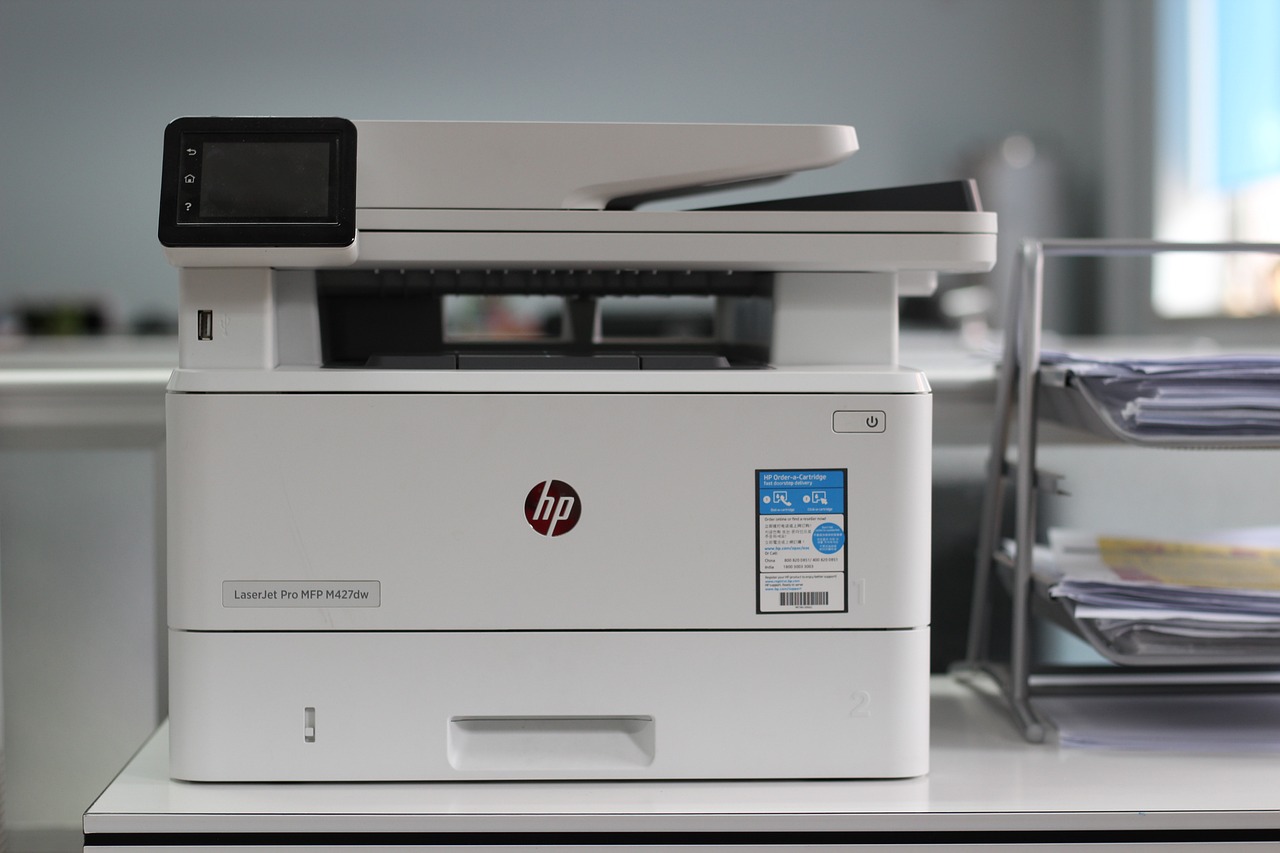
enables the convenient and secure creation of controlled printouts. Any number of documents and attachments can be made available as print files, with each printout automatically marked with a customer-specific watermark. This ensures optimal traceability and security while keeping the printing process efficient and user-friendly.
Manual and automatic retrieval of printouts has been implemented, as has a detailed search function. This ensures that no printout remains undiscovered in a storage location.
Customizable and configurable watermark
An audit trail can be created if desired
Controlled Printing can be combined with other solutions
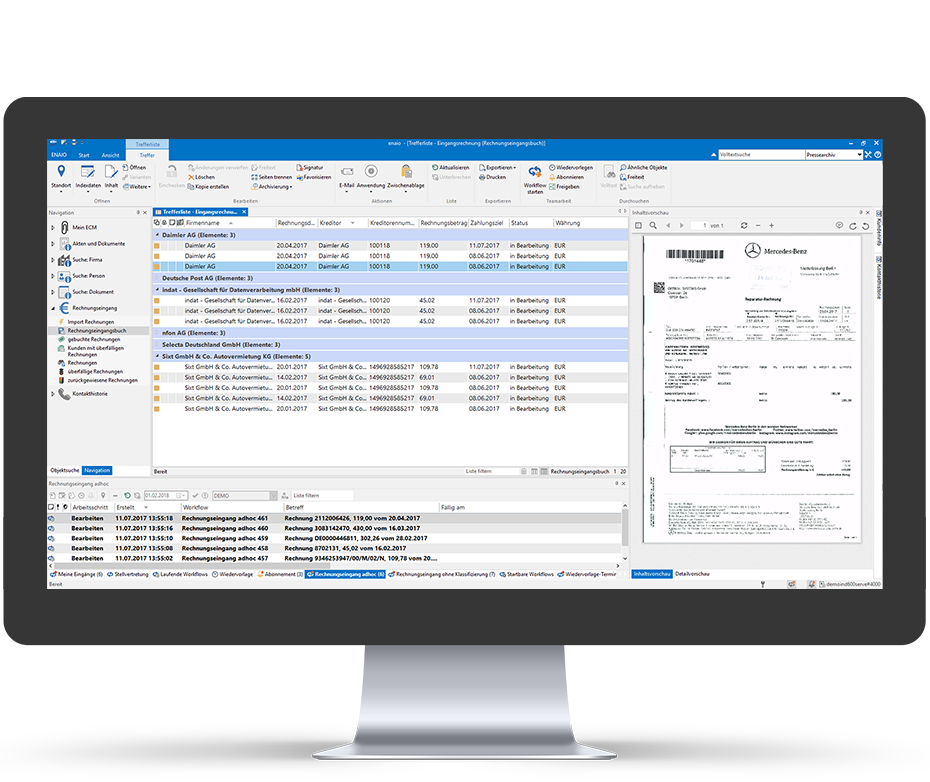
You have the option to print documents in a controlled manner, document the printing process, and record the destruction of the document in the audit trail at the end of its lifecycle.
Responsible individuals can be selected directly or based on a role. The requested watermarked printouts are then immediately made available to the selected users.

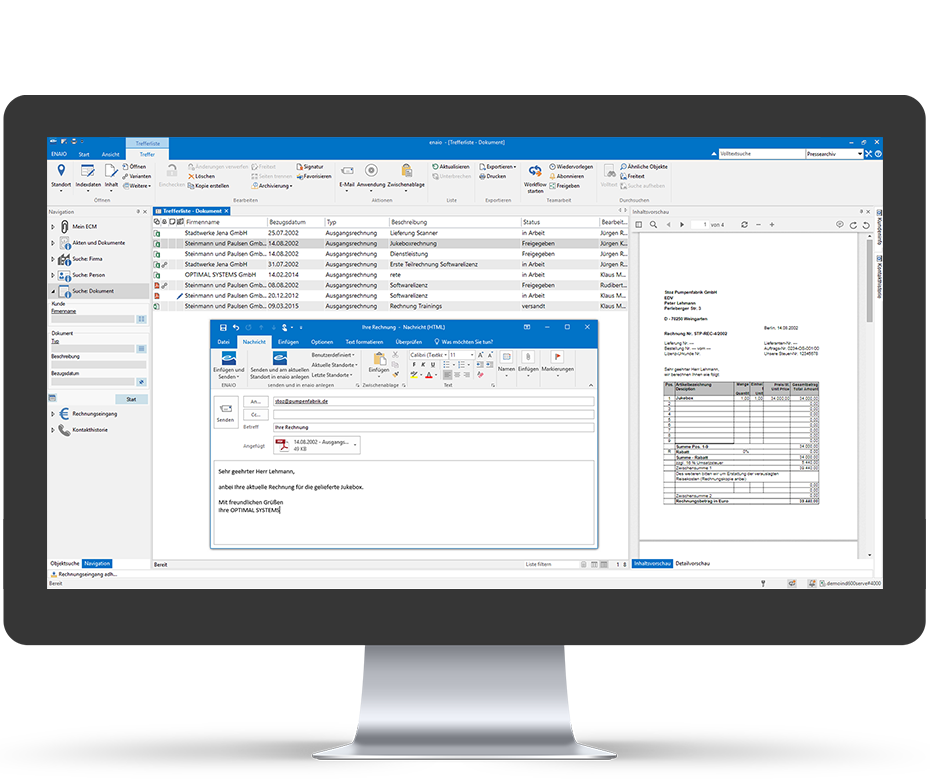
Informal printing is also possible at
. This doesn't even require a
workflow: Provided you are using the latestversion of enaio®(
), select "Documents" or
"Attachments," and use the context menu to start the
informal print job with a watermark at
.